
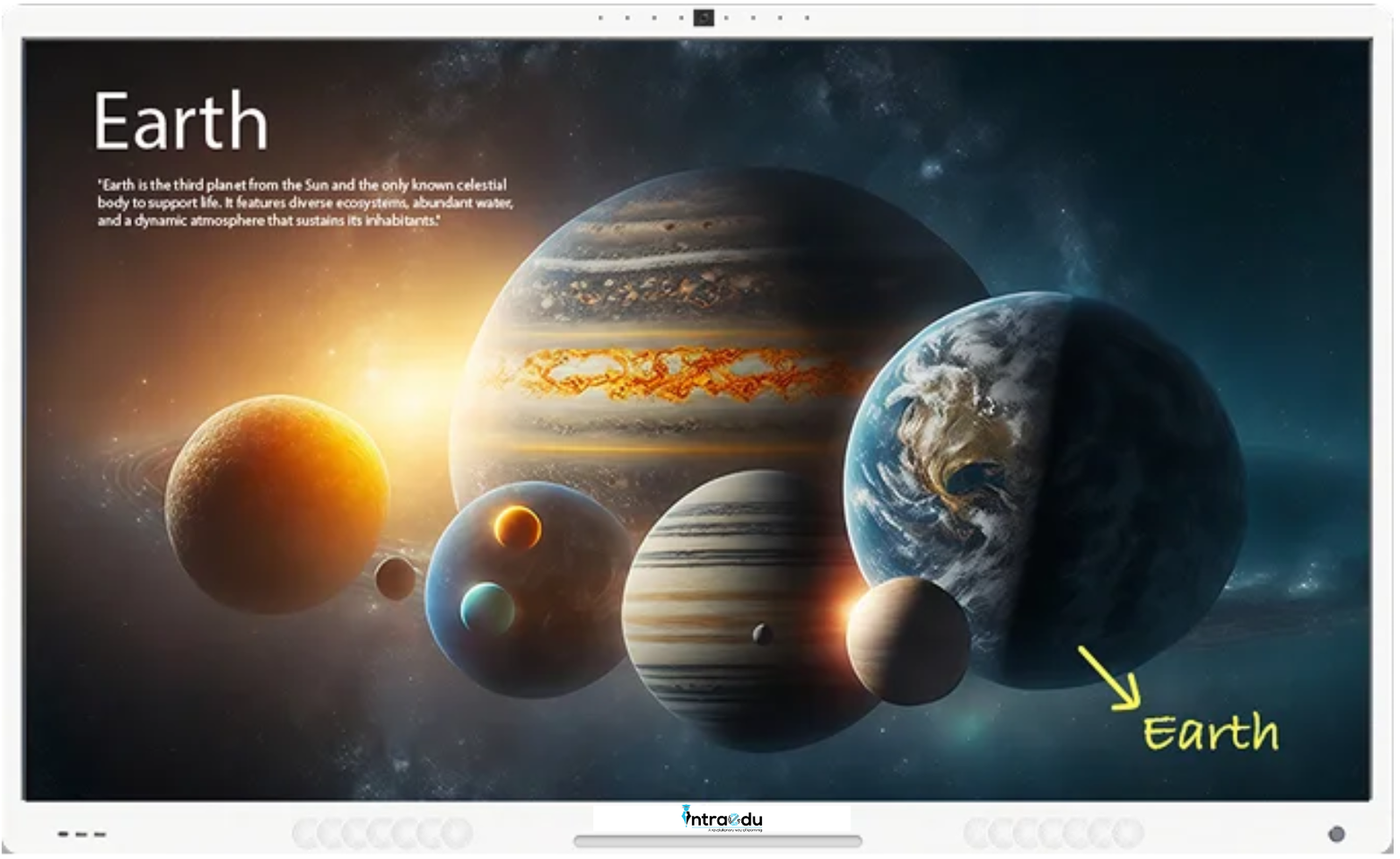
Description
Interactive Panels
IntraEdu AI whiteBoard 8GB – 128GB
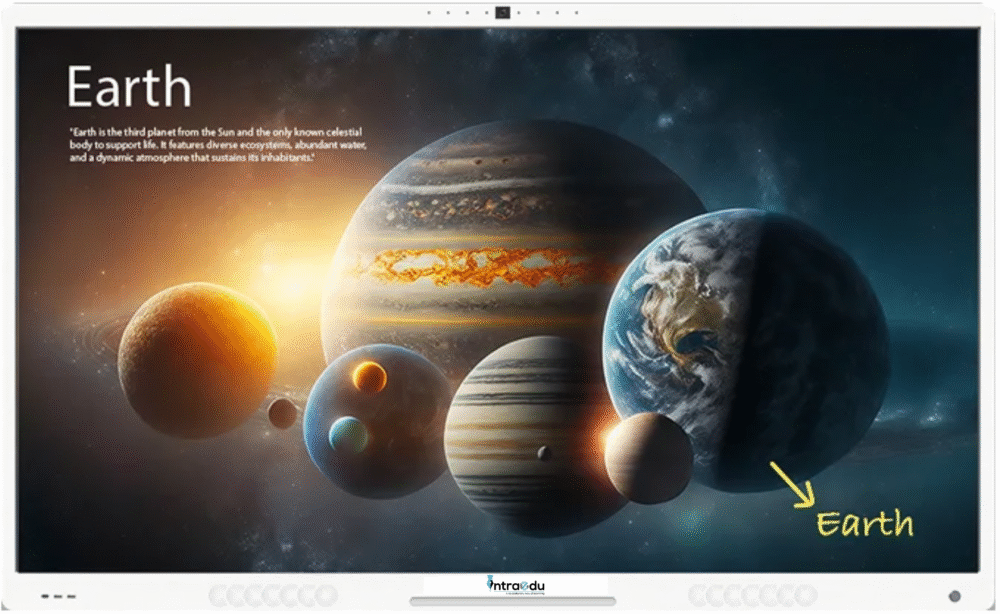
Interactive Panels: The Most Updated AI Features for Teaching
Features :
1. AI Lesson Creation
AI-Powered Lesson Planner simplifies creating curriculum-aligned, interactive lessons. Enter the grade and topic to generate engaging plans with multimedia elements like images and videos. Optimized for interactive flat panels, it saves time, supports customization, and makes teaching more effective and dynamic.
2. AI Quiz Creation
AI Quiz Tool simplifies assessments by creating curriculum-aligned quizzes in seconds. Just input a topic, and the AI smart board crafts interactive questions, from multiple-choice to open-ended formats. Integrated with interactive flat panels, it provides instant feedback, saving time and keeping students engaged. IntraEdu makes smarter assessments effortless!
3. AI PPT Generation
AI Teaching Tool streamlines lesson planning by creating curriculum-aligned, interactive presentations. Input a topic and grade, and the AI smart board generates engaging slides with multimedia, ready for seamless use on interactive flat panels. Save time and deliver impactful, customizable lessons with IntraEdu, the ultimate digital board for teaching.
4. AI Image/Video Generation
AI Video and Image Tool simplifies lesson creation by generating curriculum-aligned visuals tailored to your topic. Integrated with interactive flat panels, it brings concepts to life with engaging videos and images, making teaching dynamic and impactful. Save time and captivate students with IntraEdu!
Interactive Panel
Hardware Specifications
| Hardware | ||
|---|---|---|
| Finish and Sizes | ||
| Finish | Space Gray | |
| Size | 65″ / 75″ / 86″ / 98″ | |
| Display | ||
| Display Type, Resolution & Refresh Rate | Ultra HD IPS LCD A+ Display 3840×2160 (pixels) with 60Hz refresh rate | |
| LED View Angle | Direct LED, HDR Display, with wide viewing angle of 178°(H) / 178°(V) | |
| Surface | Matte finish Surface with 3.0mm Toughened Glass Moh’s Level 9 hardness | |
| Colors & Contrast Ratio | 1.07 Billion Colors, Dynamic contrast 100000:1, 1300: 1 (typ.) | |
| Brightness | 450 nits (Typ) | |
| LED Lifespan | >=50000 Hrs | |
| Panel Type | LED | |
| Gap between Glass & Screen | Zero Gap Air Bonding | |
| Eye Care Filter | Removes blue light emission from display to create a safe environment for teachers and students | |
| Touch Technology | ||
| Technology | Advance Edge Optical Touch | |
| Touch Points | 40 Simultaneous touch points (Windows), 50 Simultaneous touch points (Android) | |
| Touch Resolution | 32767×32767 | |
| Accuracy | ± 0.3mm | |
| Response Time | ≈ 2ms | |
| Gesture Detection | Palm Detection as eraser, intelligently rejects input of accidental palm or other objects while writing along, multitouch zoom pan detection | |
| OS | ||
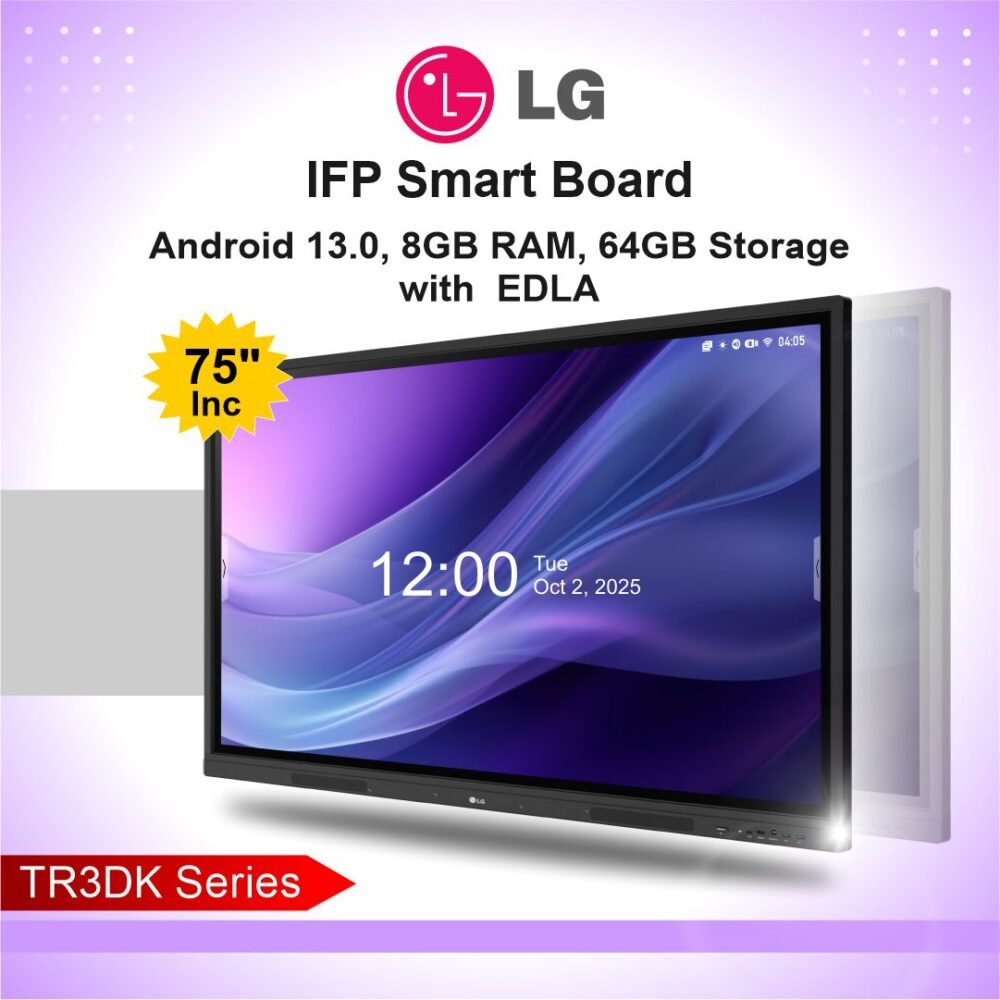
| OS | Android 14 | |
| Chipset | ||
| CPU | Octa (8) Core ARM Processor, 8 x A55 CPU | |
| GPU | Mali G52 MP2 (4 Cores) | |
| Wireless | ||
| Bluetooth | Bluetooth 5.2 | |
| 802.11 a/b/g/n Dual Band 2.4G and 5GHz | Yes | |
| Hotspot Support | Yes | |
| Memory & Storage | ||
| RAM | 8GB | |
| Storage | 128GB bundled with Unlimited Cloud Storage | |
| Speakers | ||
| Stereo Speakers with Surround Sound | Front Facing, Hi-Fi, Stereo Sound output with 20W x 2 with 8Ω impedance, built-in subwoofer & Surround | |
| Bass reflex | Bass reflex with dual passive radiators | |
| I/O Ports | ||
| Front | USB 3.0 x1 (Shared), USB 2.0 x 1 (Android), USB Type C x1, Touch USB x 1, HDMI x 1 | |
| Back & Bottom | Side: HDMI IN x 2, VGA IN x 1, VGA Audio x 1, Touch USB x 1, USB 3.0 x 1, USB 2.0 x 1, MicroSD Card x 1 Bottom: LAN x 1, SPDIF x 1, RS232 x 1 | |
| Power Consumption | ||
| Voltage | 100 ~ 240 VAC, 50/60 Hz | |
| Power | 65″ >=230W | 75″ >=300W | 86″ >=400W | 98″ >=500W | |
| Standby | Standby <= 0.5W | |
| Dimensions & Weight | ||
| Dimensions | 65″: 1505*984*100mm | 75″: 1730*1046*125mm | 86″: 1951.5*1243*118.2.5mm | 98″: 2252*1409.5*133.4mm | |
| Weight | 65″: NW (37KG), GW (43KG) | 75″: NW (51KG), GW (60KG) | 86″: NW (77KG), GW (100KG) | 98″: NW (82.5KG), GW (110.4KG) | |
| Mount | 65″: (550*400mm) | 75″: (600*400mm) | 86″: (800*400mm) | 98″: (1000*400mm) | |
| Environment | ||
| Temperature | Working Temp: 0°C ~ 40°C, Storage Temp: Minus 10°C ~ 60°C | |
| Humidity | Working Humidity: 10% to 80% RH Non-Condensing; Storage Humidity: 5% to 90% | |
| Accessories | ||
| OPS (Optional) | Core i5 12450H, 8GB, 256GB/512GB SSD, USB 2.0 x 2, USB 3.0 x 4, MIC *1, Line Out *1, RJ 45 x 1, VGA x 1, HDMI x 2 | |
| Optional Accessories | Video Bar, PTZ Camera, Document Camera, Whiteboard Camera | |
| In the box | Antenna x 2, Remote, Power Cable, USB touch Cable, HDMI Cable (1.5M), User Manual, Wall Mount Set | |
| Regulation Compliance | ||
| BIS, STQC/ETPI, CE, FCC, RoHS | ||
Software Specifications
| Software | ||
|---|---|---|
| Split Screen | ||
| Open multiple apps side by side | ||
| Wireless Casting & Screen Sharing | ||
| Native Support for AirPlay & MiraCast, up to 4 Devices simultaneously | ||
| Teaching Software | ||
| AI Features | 1. AI Lesson Creator2. Ability to create content in 80+ languages3. AI Quiz Creator
4. AI Image Creator 5. AI PPT Creator 6. PDF summariser / Generate Quiz on PDF Chat with PDF 7. Summarise / Generate Quiz selected page in PDF 8. Summarise / Generate Quiz on Image 9. Summarise / Generate Quiz on Video 10. AI chat based assistance for teachers to get instant responses to any of their queries 11. Text to SpeechAI on whiteboard 12. Auto Draw – Object recognition 13. Circle to search on any content 14. Math formula recognition & explanation 15. Chemical formula recognition & explanation 16. Class IQ – recording class lecture – generate summary, questions 17. Student response system (Online & offline) using fiducial markers 18. Offline Content – as per NCERT & other curriculum 19. 3D tools Interactive simulation 20. Active learning games 21. Knowledge based games 22. Text Creation in Offline Mode |
|
| Whiteboarding Tools | 1. Ability to access online curated content curriculum for lessons creation2. Import documents & multi-media in lessons, share lesson
3. Remotely Online collaboration with student on lessons, with Options to control which student has write access 4. Live Virtual Teaching using Audio & Video on Lesson consuming less than 1Mbps bandwidth, with option to control enable & disable Audio andvideo of remote students 5. Conduct live chat, polling during live class. 7. Live Multi User Collaboration with Live cursor tracking, Host can Manage and Control Writing permissions 8. Create and share assignments, tests, and get analytics & insights of the student performance 9. Always Ready to Connect to smart devices, like mobile and tablets, receive files wirelessly from mobile devices. 10. STEM Tools draw shapes, use math tools, like protractor and compass, solve equations and formulas, and simulate physics and chemistry lab experiments 11. Whiteboard: Pen, colours, Highlighter and Eraser, Multi-background, Creativity Tools, Smart Draw, Shapes 12. Ability to drag and drop multi media content like images, videos, text 13. Presentation Tools : Screen Curtain, Spotlight, Presentation mode 14. Productivity Tools : Media import, (Docs, sheets, PDF, slides), Stopwatch & Document Scanner, Snipping tool 15. Built-in Chrome Browser for Secure and fast browsing experience, Built-in Office Viewer App. + 16. Support for installing MS Office Apps 17. Support for Android apk installation, Support for 3rd Party VC Apps like Microsoft Teams, Zoom, Google meet. 18. Infinite canvas with multi-writing and palm erasing gesture support, 5 finger touch to sleep/ wake |
|
| Learning Management System | ||
| 1. Teachers can save and share lessons/homework / class recordings with students 2. Students can access the lessons from anywhere | ||
| Remote Classroom Device Management | ||
| 1. Administrator can centrally manage and monitor the boards remotely through browser in a single window.2. Administrator can centrally manage and share customized messages and information across the board in a single.
3. Administrator can centrally manage and control the user and access to the installed display board. They can securely manage and control individual users settings and privileges. |
||
Reviews
There are no reviews yet.